





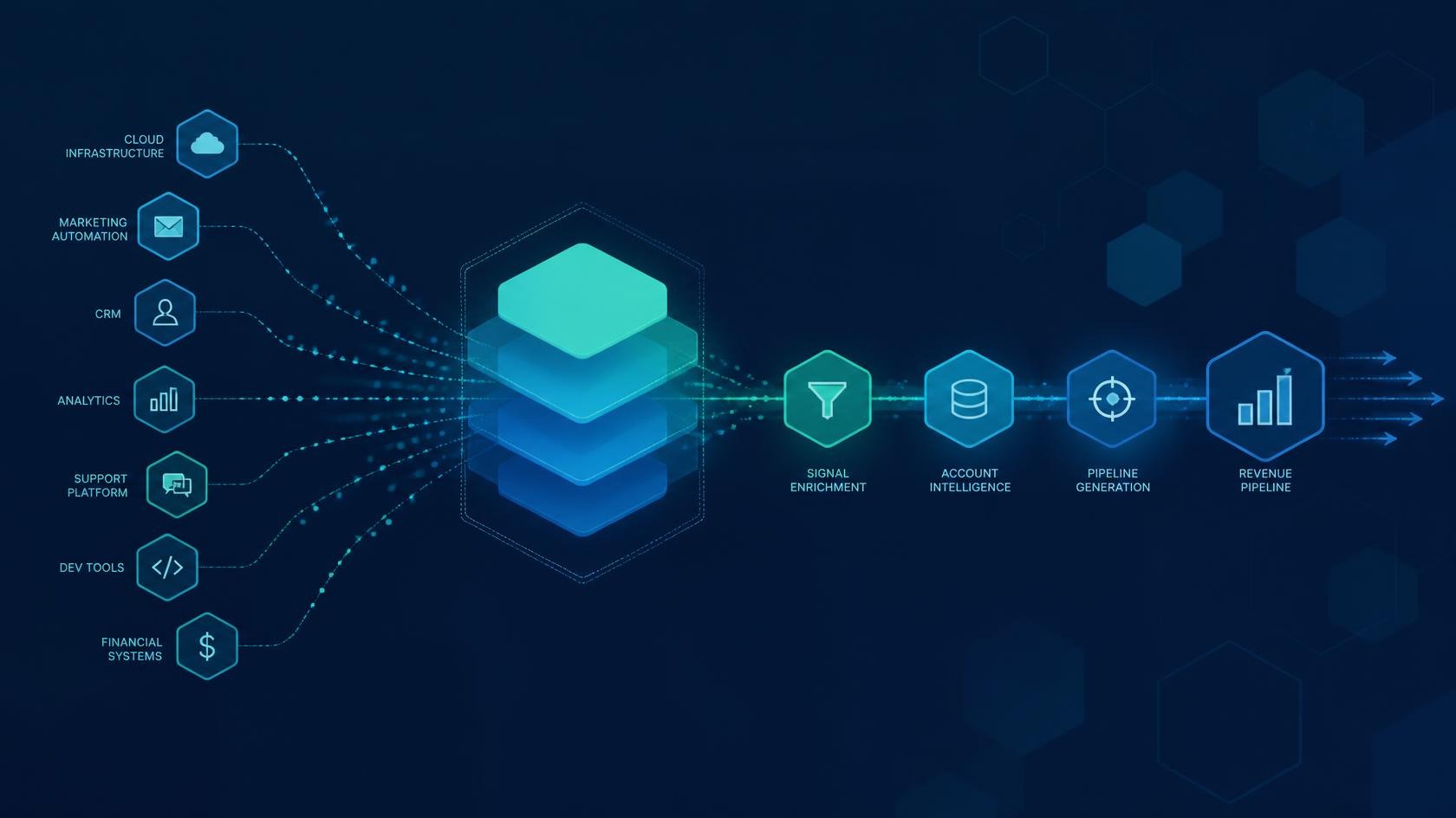
Technographic buyer data describes the software, cloud, and infrastructure footprint an organization already runs. Used well, it helps IT and revenue teams align outreach and solution design to real stack constraints—integrations, security posture, and modernization readiness—rather than generic firmographics alone.
This guide is a practical framework for Hexagon-style IT services conversations. It does not claim a proprietary verified user list. Treat platform names below as examples of platforms commonly used in each category, not as an endorsement or a purchased contact database.
What is technographic buyer data?
Answer: Technographic data is information about the technologies an organization uses—CRM, ERP, collaboration suites, cloud providers, security tools, and related systems.
1. Qualify opportunities by integration surface area
Map which systems must talk to each other (CRM ↔ ERP ↔ billing ↔ identity). Buyers with messy integration debt often need API integration services and a phased roadmap more than a greenfield rebuild.
2. Segment by cloud posture, not just industry
Two manufacturers can look identical by NAICS code and still differ completely on AWS vs Azure vs hybrid. Cloud posture changes security controls, data residency, and migration sequencing. Use it to tailor infrastructure and migration discovery.
3. Align cyber conversations to the tools already in place
If a prospect already standardizes on a particular identity or endpoint stack, your software security recommendations should start from that baseline—gap analysis, not rip-and-replace theater.
4. Prioritize CRM/ERP modernization candidates
Technographics help spot organizations running aging on-prem CRM/ERP with limited API access. Those accounts are natural fits for modernization, middleware, and change-management packages—not generic “digital transformation” slogans.
5. Build talk tracks around stack friction
Use known friction patterns: duplicate customer records across CRM and finance, manual CSV exports, shadow IT SaaS sprawl. Friction-based talk tracks outperform feature dumps.
6. Coordinate IT and sales on a single stack hypothesis
Revenue teams should not invent a stack story that IT cannot defend. Create a shared “stack hypothesis” field in CRM: confirmed / inferred / unknown—and require confirmation in discovery.
7. Score pipeline stages with technical readiness gates
Add gates such as: SSO available? Sandbox access? Data owner identified? Integration inventory started? Technical readiness predicts delivery risk better than “budget confirmed” alone.
8. Design proposals around platforms commonly used in-category
When referencing platforms (for example, common CRM/ERP suites), frame them as category examples. Your differentiator is delivery—customization, integration, and governance—via custom development and system integration.
9. Use technographics to plan phased roadmaps
Sequence work: identity and access → core system of record → integrations → analytics. Buyers trust vendors who respect dependency order.
10. Feed closed-won/lost into a living stack playbook
Capture which stack patterns won and which stalled. Over time, your playbook becomes proprietary process IP—without pretending you own a secret universal user directory.
How Hexagon applies this
Hexagon IT Solutions helps mid-market and enterprise teams turn stack reality into delivery plans: CRM/ERP rescue, API integration, cloud and infrastructure, and security hardening. If you want a structured systems review, start with a systems audit or schedule a call.
Key takeaways
- Technographics improve pipeline quality when used as fit signals, not as a substitute for discovery.
- Never present third-party “top user” lists as verified Hexagon proprietary data.
- Coordinate IT and revenue on one stack hypothesis and technical readiness gates.
Want help putting this into practice?
Our team can look at your setup and suggest the right next step.
Talk to Our Team


