




Choosing program management software is no longer a feature checklist exercise. In 2026, the right platform has to connect portfolios, resources, budgets, dependencies, dashboards, and the systems your team already uses.
The right program management software in 2026 requires more than comparing feature lists. Organizations face mounting pressure to deliver faster and more innovatively in an era defined by hybrid workforces and AI-driven decision-making[18]. The evaluation of project management software tools has moved beyond superficial features to include strategic alignment and advanced analytics[19]. I tested every top tool on the market to help you find the best program management software for your team's specific needs. This piece breaks down my methodology, ratings and recommendations.
What Is Program Management Software
Program management software handles multiple related projects as part of a larger initiative. A product launch program might include five interconnected projects: website redesign, content production, paid campaigns, PR outreach, and sales enablement[1]. The software shows how these projects connect through dependencies, shared resources, and cascading timelines[1].
Program vs Project Management: Key Differences
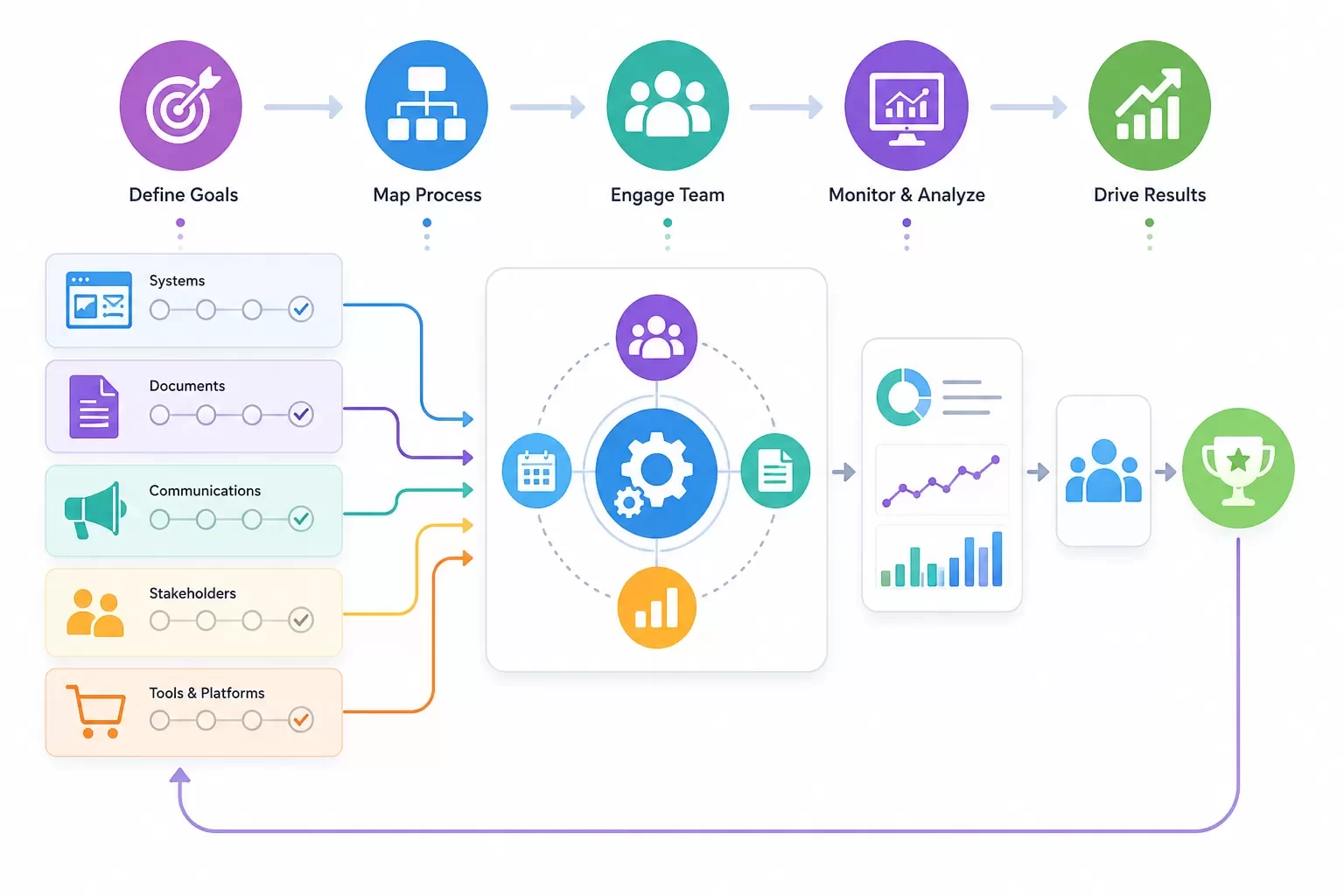
Project management software handles one project with its own tasks, timeline, budget, and team for a single initiative. Program management software connects and manages many projects at once, typically 5-20+ related projects working toward a common goal[1]. The difference matters because program management requires visibility across projects. I can't just see Project A in isolation. I need to see how Project A affects Projects B, C, and D[1].
The scope is different between the two approaches. Projects operate with specific deliverables, defined start and end dates, and fixed parameters. Programs include broader, more flexible scopes that evolve as priorities move, with longer timelines shaped by milestones rather than single delivery dates. Project success gets measured by efficiency metrics like meeting deadlines, staying within budget, and completing planned work. Program success focuses on value and effect, assessing whether combined efforts delivered intended outcomes and supported goals.
Project managers handle day-to-day execution, tracking, and delivery of individual projects. Program managers coordinate resources, manage risks, and arrange projects with organizational goals[2]. Project managers focus on delivering one project on time and on budget. Program managers optimize across the portfolio to maximize value across all projects, balance competing priorities, and arrange work to strategy[1].
Core Functions of Program Management Tools
Program management software provides portfolio dashboards showing the health of all projects at once[1]. Instead of managing each project in isolation with separate tools and disconnected data, I can see the full picture and make decisions based on real-time data[1]. This visibility allows me to reallocate resources from ahead-of-schedule projects to at-risk projects or adjust timelines when dependencies move[1].
Resource management across the portfolio becomes critical. The software helps allocate designers across 10 projects rather than just one[1]. Cross-project dependency tracking ensures that when one project's timeline changes, I understand the downstream effects on related initiatives right away. Features keep all projects focused on business objectives like revenue targets, market share, or customer acquisition[1].
Who Needs Program Management Software
Program managers guide multiple projects to stay on track and support each other toward goals[1]. They plan how projects should fit together by defining dependencies, sequencing work, and allocating shared resources[1]. Monitoring portfolio health, identifying at-risk projects, and tracking progress toward goals requires specialized tools built for this complexity[1].
Organizations benefit from program management software when multiple projects are closely connected, share resources, or contribute to the same outcome. It becomes valuable when leadership needs visibility across initiatives and when success depends on coordination rather than isolated delivery. Program managers solve problems by resolving resource conflicts, removing blockers, and escalating issues while ensuring everyone has the resources and support they need to prevent burnout and maintain productivity[1].
How I Tested and Evaluated Program Management Software Tools
I spent 30 days with each of 10 program management software tools and moved beyond surface-level demos to understand how they perform under real-life conditions[1]. The testing wasn't about clicking through features. I built actual program scenarios that mimic what program managers face daily.
My Testing Methodology
Each tool got evaluated using realistic program scenarios that involved managing 5-10 interconnected projects at once[1]. I allocated shared resources like designers, writers and strategists across multiple projects to see how the software handled resource conflicts and capacity planning[1]. Rather than testing single-project capabilities, I tracked progress toward portfolio-level goals to understand whether the software could connect individual project work to broader strategic objectives[1].
I separated what I needed from what looked appealing. Shiny features can tempt you, but I focused on capabilities required for daily program management tasks. The question wasn't whether a feature existed but whether its absence would affect my program management negatively. If there were no negative consequences, it classified as a want rather than a need. I verified that each tool supported the methodologies organizations use, including waterfall, agile and hybrid approaches.
Budget considerations shaped my evaluation. I factored in extra costs beyond base pricing, including taxes and additional services like training and customer support that sometimes carry separate fees. Most vendors offer free trials, which I used to set up test programs that mirrored typical organizational scenarios before making any purchase decisions.Evaluation Criteria I Used
I focused on five criteria when assessing each program management software tool[1]:
-
Portfolio visibility: Can you see all projects in one consolidated view?
-
Resource management: Can you balance workloads and allocate people across multiple projects?
-
Cross-project dependencies: Can you identify how changes in Project A affect Projects B and D?
-
Budget tracking: Can you track spending and profitability across the entire program?
-
Strategic alignment: Can you connect individual projects to overarching program goals?
Beyond these core criteria, I evaluated integration capabilities, security measures, platform compatibility across devices and technical support availability during business hours.
Scoring System Breakdown
I recruited a cross-functional team of six people to test the top software contenders. Each team member scored requirements on a scale of 1 to 5, with 1 that indicates not important and 5 marking most important. They then rated how well each tool implemented those requirements using the same 1-5 scale. The implementation rating got multiplied by the importance weight to calculate a final score for each requirement. Summing these weighted scores produced a total number for each platform and revealed which tools delivered the most value for program management needs.
Best Program Management Software Tools in 2026
I completed my assessment and found that 10 program management software tools rose to the top. They stood out for their portfolio visibility, resource management and cross-project dependency tracking.
Comparison Table: Top Tools at a Glance
The feature comparison reveals distinct strengths across platforms. I assessed four core functions that separate true program management tools from simple project trackers[1]:
| Tool | Portfolio View | Cross-Project Dependencies | Custom Dashboards | Budget Tracking |
|---|---|---|---|---|
| Teamwork.com | Excellent | Excellent | Excellent | Excellent |
| Productive | Good | Basic | Excellent | Excellent |
| Quickbase | Good | Good | Excellent | Excellent |
| Wrike | Excellent | Good | Excellent | Good |
| ClickUp | Good | Excellent | Excellent | Basic |
| Kytes | Excellent | Good | Good | Excellent |
| Asana | Excellent | Good | Good | Not Available |
| Jira | Good | Good | Good | Not Available |
| Nifty | Good | Basic | Good | Basic |
| Accelo | Good | Basic | Good | Good |
Budget tracking emerged as a major differentiator. Asana and Jira lack native budget tracking, which creates gaps for program managers who track profitability across portfolios[1].
Detailed Tool Reviews and Ratings
Teamwork.com scored highest for managing multiple projects, workloads and timelines with its workload planner and utilization reports. G2 users rate it 4.4/5 based on over 1,000 reviews[1]. One user managing 5-15 projects per team lead noted they "honestly couldn't live without Teamwork" for handling year-long projects with multiple moving pieces[1].
ClickUp excels at goal tracking across complex program structures with task linking and flexible views, earning a 4.6/5 rating[3]. Wrike offers timeline-driven program tracking through interactive Gantt charts and AI-powered recommendations, rated 4.5/5[3]. Jira remains the go-to for agile-style program tracking, especially for software engineers, with a 4.4/5 rating[3].
Pricing Breakdown Across Platforms
Starting prices range from USD 7.00 to USD 35.00 per user monthly[1]. ClickUp and Nifty both start at USD 7.00 per user monthly, making them available entry points[1]. Jira begins at USD 7.53 monthly[1], while Productive starts at USD 9.00[1]. Teamwork.com pricing begins at USD 9.99 monthly. The Deliver plan at USD 10.99 offers unlimited projects and portfolio dashboards[1]. Quickbase commands a premium at USD 35.00 monthly for no-code custom reports and automations[1].
Kytes and Accelo require contacting sales for pricing, which indicates enterprise-level costs[1].
Integration Capabilities Compared
Integration strength varies by a lot. Asana leads with over 200 app integrations that include Google Drive, Google Calendar and Slack[4]. ClickUp and Trello offer 200+ integrations as well[4]. Jira focuses on Atlassian ecosystem integrations[4], while Adobe Workfront integrates naturally with Creative Cloud but offers limited third-party connections[4]. Smartsheet provides 100+ integrations plus Zapier and Automate.io access[4].
Essential Features in Program Management Software
Six core capabilities separate effective program management software tools from simple task trackers. These features help you identify which platforms can handle the complexity of managing multiple interconnected projects.
Portfolio and Multi-Project Management
Portfolio dashboards combine all active projects into a single view[1]. You update projects from one centralized location rather than navigating to individual project pages[5]. The software displays project health status using color-coded indicators (green, amber, red) and budget status comparing actual versus planned spend. It also shows upcoming milestones for the next 7-30 days and resource allocation showing who works on what[1]. Projects get hosted in customizable folders with filtering options by group to view portfolio status reports[5]. This centralized visibility prevents the disconnected data problems that occur when you manage projects in isolation[1].
Resource Planning and Capacity Management
Workload planners show team member capacities by displaying assigned tasks against available working hours[1]. A team member at 85% utilization has 34 hours scheduled out of 40 available[1]. This percentage-based view helps distribute work fairly and prevents overallocation above 120% that causes burnout. It also prevents underutilization at 40-50% that wastes capacity[1]. The software manages resources in multiple projects at once and prevents resource shortages while enhancing delivery across the portfolio[6]. You can balance workloads and make proactive decisions on outsourcing or hiring. You can also spot resource shortages before they happen[7].
Immediate Reporting and Dashboards
Dashboards provide instant overviews of project progress and performance[8]. Visual metrics display immediate updates on KPIs through timelines and charts[8]. Dynamic widgets show completed tasks and next steps. They also display time-to-project completion and average cycle time for tasks[8]. The reporting feature lets you personalize reports and export them for stakeholders[5]. Customizable dashboards use widgets for departments, teams, projects, and budgets[1].
Workflow Automation and Customization
Automation reduces manual errors and saves time by triggering actions when projects reach milestones[1]. Custom workflows and dynamic forms make repetitive work easier[9]. You can create custom fields to track data instead of searching in different tools[10]. Customization saves time by building tools specific to your organization's exact needs[10].
Collaboration and Communication Tools
Communication tools replace email by letting team members share ideas and attach files within the platform[8]. Conversation threads connect comments and feedback back to tasks[8]. In-app notifications update you as task status changes[5]. Secure file sharing among team members from multiple devices keeps everyone current with version control[8].
Financial Tracking and Budget Management
Budget management provides immediate visibility into spending[6]. The software tracks budget burn and forecasts profitability at role and project level[7]. Both internal and external costs get captured and deliver accurate margin insights[7]. Time tracking logs hours on tasks and shows billable versus non-billable ratios[1]. A 75% billable ratio is typical for agencies[1]. You can identify which projects are profitable where revenue exceeds cost and which lose money where cost exceeds budget[1].
How to Choose the Right Program Management Software
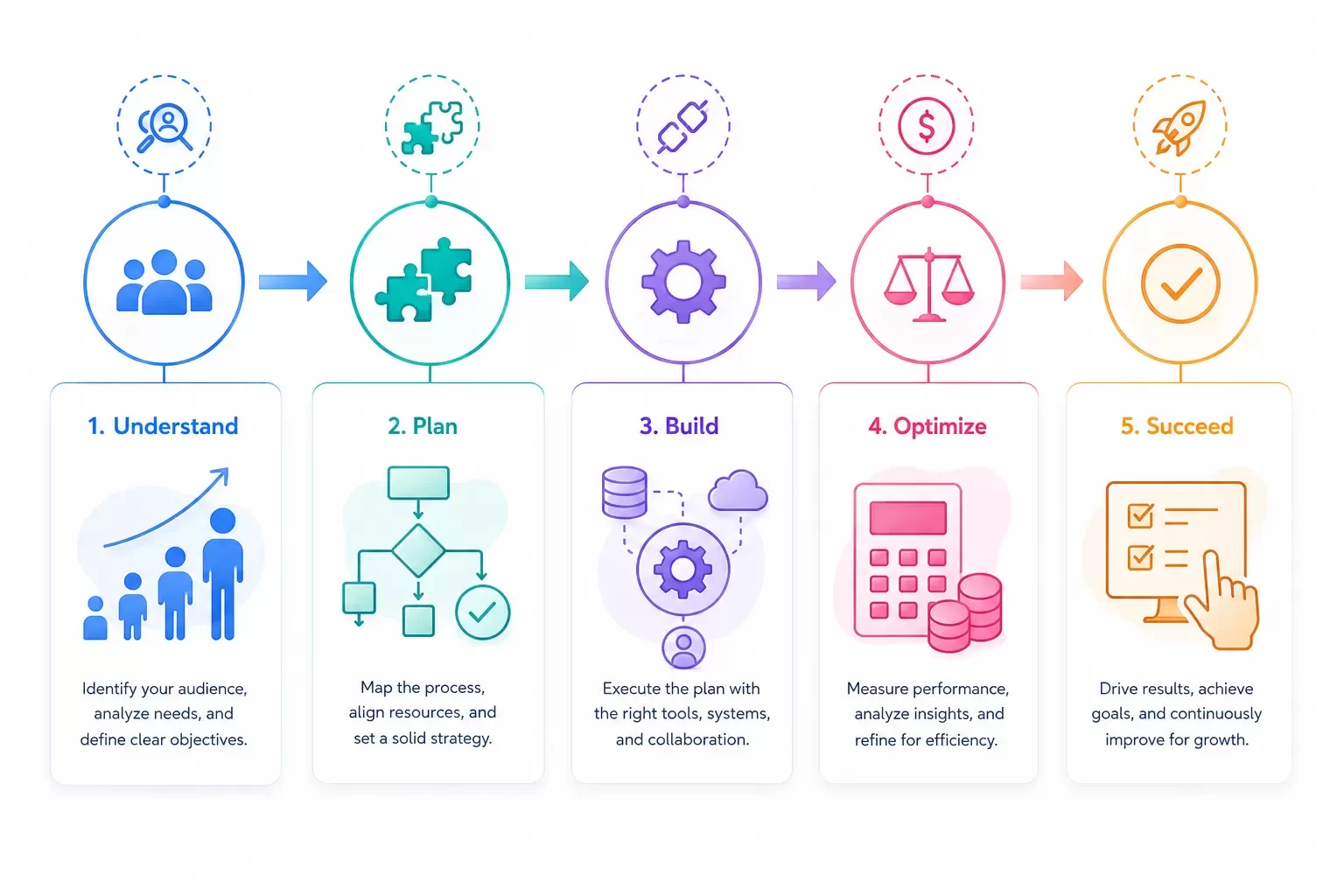
Understanding your organization's specific requirements is where you start when you select program management software, not chasing feature lists.
Assess Your Team Size and Complexity
Small teams need tools with controlled subscription costs and quick setup[11]. Choose software that keeps views simple so new users adopt them fast[11]. Midsize organizations require stronger integrations and reliable time tracking, with reporting that scales as project volume grows[11]. Enterprise teams must prioritize security and admin controls. They need platforms that support multiple departments and connect with existing ERP or business intelligence tools[11].
Match Software to Your Methodology
Software tools should arrange with the project work your organization performs and how you manage it[12]. These platforms extend your non-automated practices and must stay consistent with your business culture[12]. Clarify your methodology first by looking at how you manage projects currently, what scheduling and resource planning you perform, and what you want to improve[12].
Think About Your Integration Requirements
I assess how well software connects with existing systems like CRM, ERP, or HR platforms[13]. The main goal is connecting work and people in one system, not creating another disconnected data repository[14].
Assess Pricing and Value for Money
Budget affects your choice. Account for deployment time and training costs beyond base pricing when you evaluate[15]. Paid versions range from USD 5.00 to over USD 30.00 per user[16].
Test Before You Commit
Run pilots with real projects before you commit[17]. Most vendors offer free trials that last 10 to 30 days[15]. Book a meeting for workflow audit to identify bottlenecks, then involve team members in testing to ensure adoption[16].
Conclusion
You now have everything you need to choose the right program management software for your team in 2026. The key is matching software capabilities to your specific needs rather than chasing features you'll never use.
Clarify your methodology, team size and integration requirements first. Take advantage of free trials to test tools with real projects after that. Book a meeting for workflow audit to identify bottlenecks before you commit to any platform.
Note that the best software lines up with how your team works. Portfolio visibility, resource management and cross-project dependencies should be your focus. Verify that budget tracking meets your financial reporting needs as well. The right tool will make program management simpler, not more complex.
FAQs
The choice depends on your project's size, complexity, and budget, as well as your organization's preferred way of working. Select tools that align with your project management methods, improve efficiency, and promote teamwork among your project team members. Consider whether you need task management, timeline tracking, resource planning, or budget monitoring as your primary function.
No, there isn't a universal "best" tool. The right software should follow your project needs, not the other way around. Different work requires different treatment—thinking and structure, sequencing and scheduling, communication, and governance. What matters most is whether the tool supports how your project actually runs, surfaces issues early, and reduces coordination effort instead of adding unnecessary process.
Project management software handles one project with its own tasks, timeline, and budget for a single initiative. Program management software connects and manages multiple related projects simultaneously—typically 5 to 20+ projects—working toward a common strategic goal. Program management requires visibility across projects to see how changes in one project affect others through dependencies and shared resources.
Essential features include portfolio dashboards for viewing all projects in one place, resource management for balancing workloads across multiple projects, cross-project dependency tracking to identify how changes cascade through your program, budget tracking for monitoring spending and profitability, and strategic alignment capabilities to connect individual projects to overarching program goals.
Yes, always run pilots with real projects before committing. Most vendors offer free trials lasting 10 to 30 days, which you should use to set up test scenarios that mirror your typical organizational needs. Involve team members in testing to ensure adoption, and book workflow audits to identify bottlenecks before making a final decision.
References
[1] - https://www.teamwork.com/blog/program-management-software/
[2] - https://www.atlassian.com/agile/project-management/program-management
[3] - https://www.icertglobal.com/blog/top-project-management-tools-2026
[4] - https://www.wrike.com/project-management-guide/faq/what-are-project-management-tools/
[5] - https://www.projectmanager.com/software/program-management
[6] - https://www.celoxis.com/article/project-management-software-features
[7] - https://www.scoro.com/blog/features-of-project-management-software/
[9] - https://www.wrike.com/blog/program-management-tool-guide/
[10] - https://www.empyra.com/blog/top-10-features-every-project-management-software-should-have
[11] - https://project-management.com/top-10-project-management-software/
[12] - https://www.pmi.org/learning/library/how-choose-project-management-software-10014
[13] - https://www.celoxis.com/article/choose-project-management-software
[15] - https://www.paymoapp.com/blog/project-management-software/
[16] - https://www.uschamber.com/co/run/technology/choosing-project-management-software
[18] - https://es.celoxis.com/article/best-project-management-tools-usa
[19] - https://www.forbes.com/advisor/business/software/best-project-management-software/
Need help choosing or integrating the right system?
Hexagon IT Solutions helps teams connect CRM, ERP, dashboards, portals, and workflow automation so project and program data does not stay trapped in separate tools.


